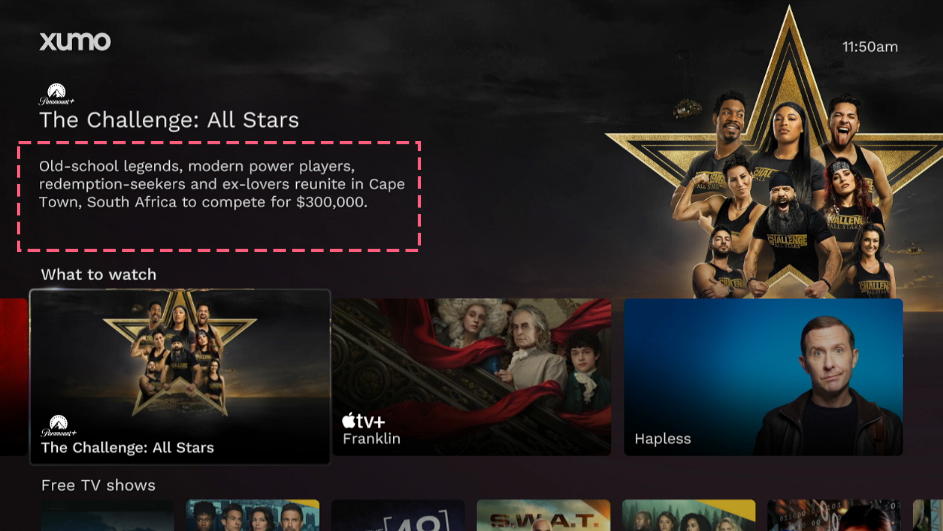
On this page are example states your app and/or content may take on EntertainmentOS systems. This page is designed to be used in conjunction with our App Requirements to illustrate correct behavior.
Playback
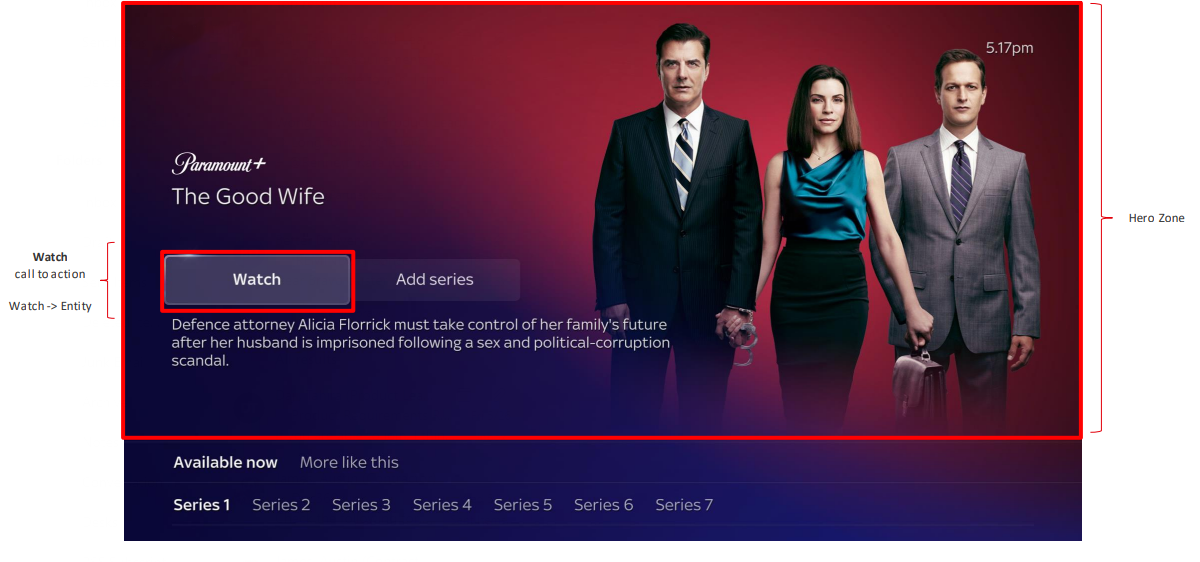
Watch CTA
Using: entityIntent
Clicking "Watch" opens the app to the show page.
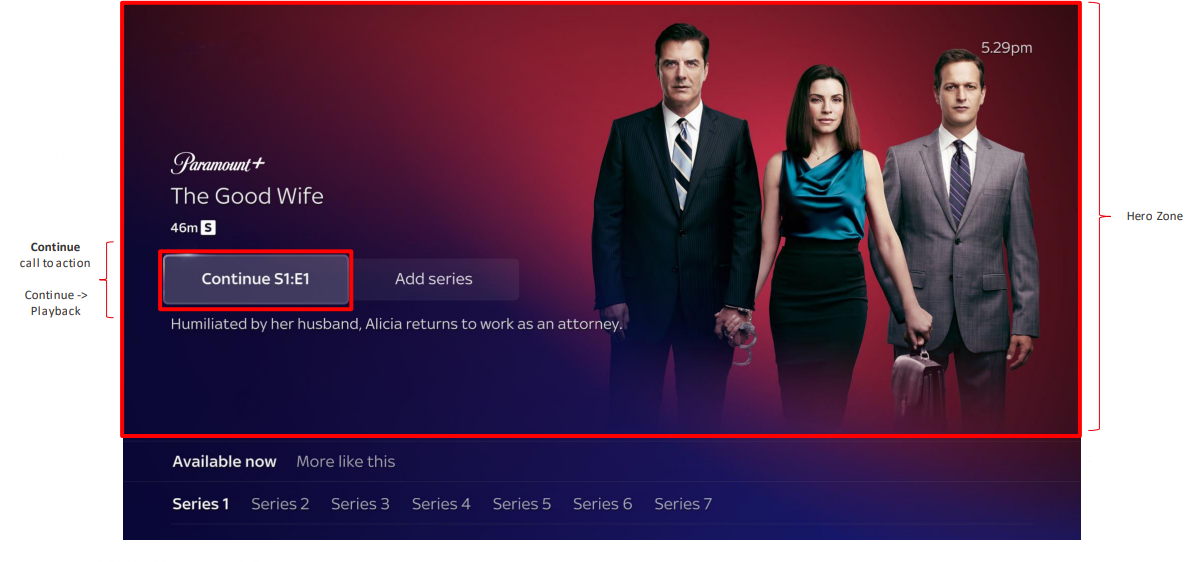
Continue CTA
Using: playbackIntent
Clicking "Continue" opens the app and begins content playback.
Available Now
Specific asset selection
Using: playbackIntent
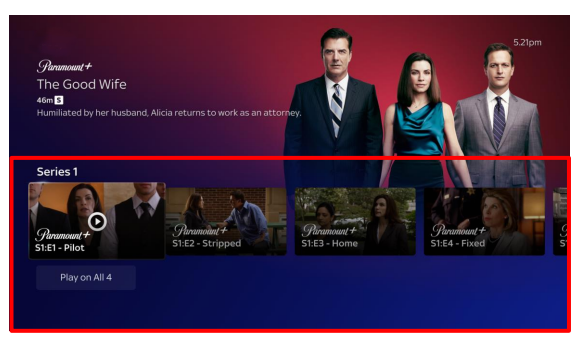
The Available Now tab is highlighted.
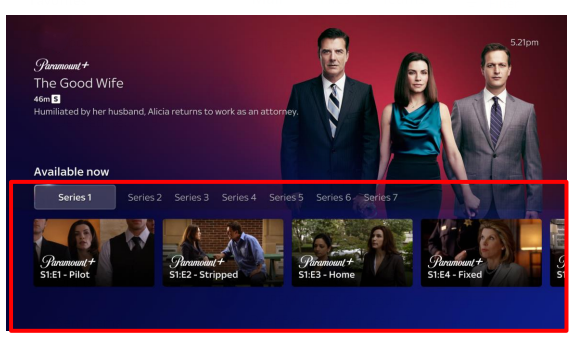
Selecting an episode from the list begins content playback.
Continue Watching
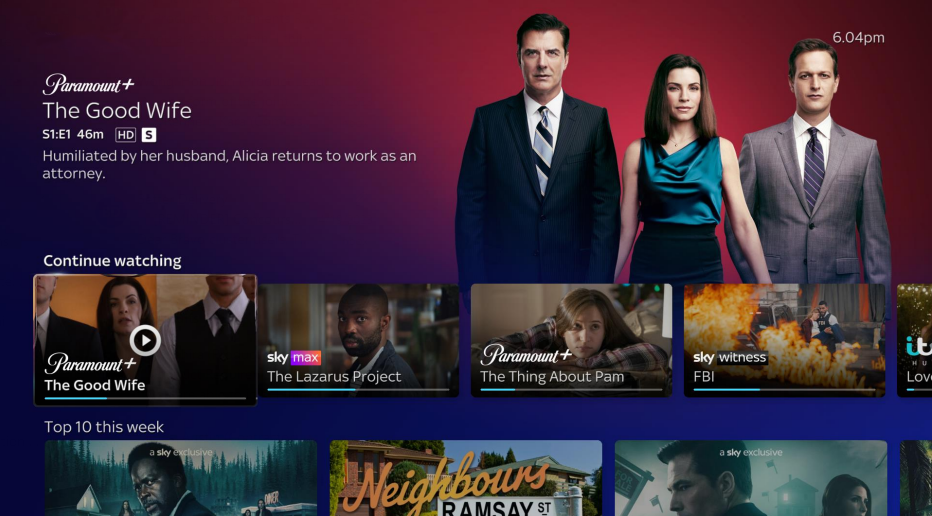
Continue rail
Using: playbackIntent
When a show from the Continue Watching rail is selected, content playback begins.
Merchandised title
Using: playbackIntent
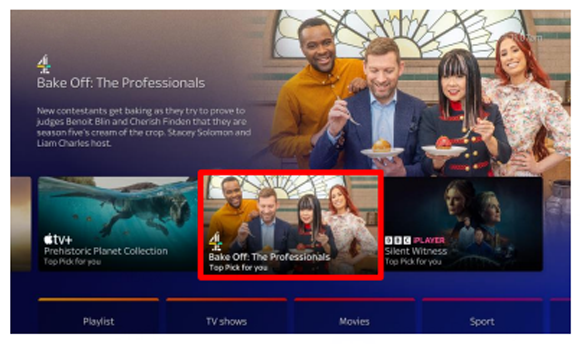
The consumer finds a merchandised show on their rail and selects it.
The show page is loaded, and the consumer has previous watch history.
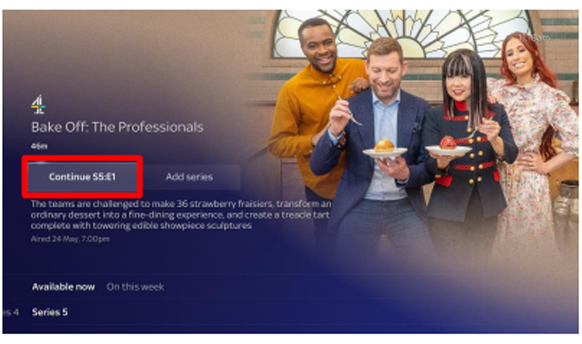
Once "Continue" is selected, the show begins content playback.
Partner Page
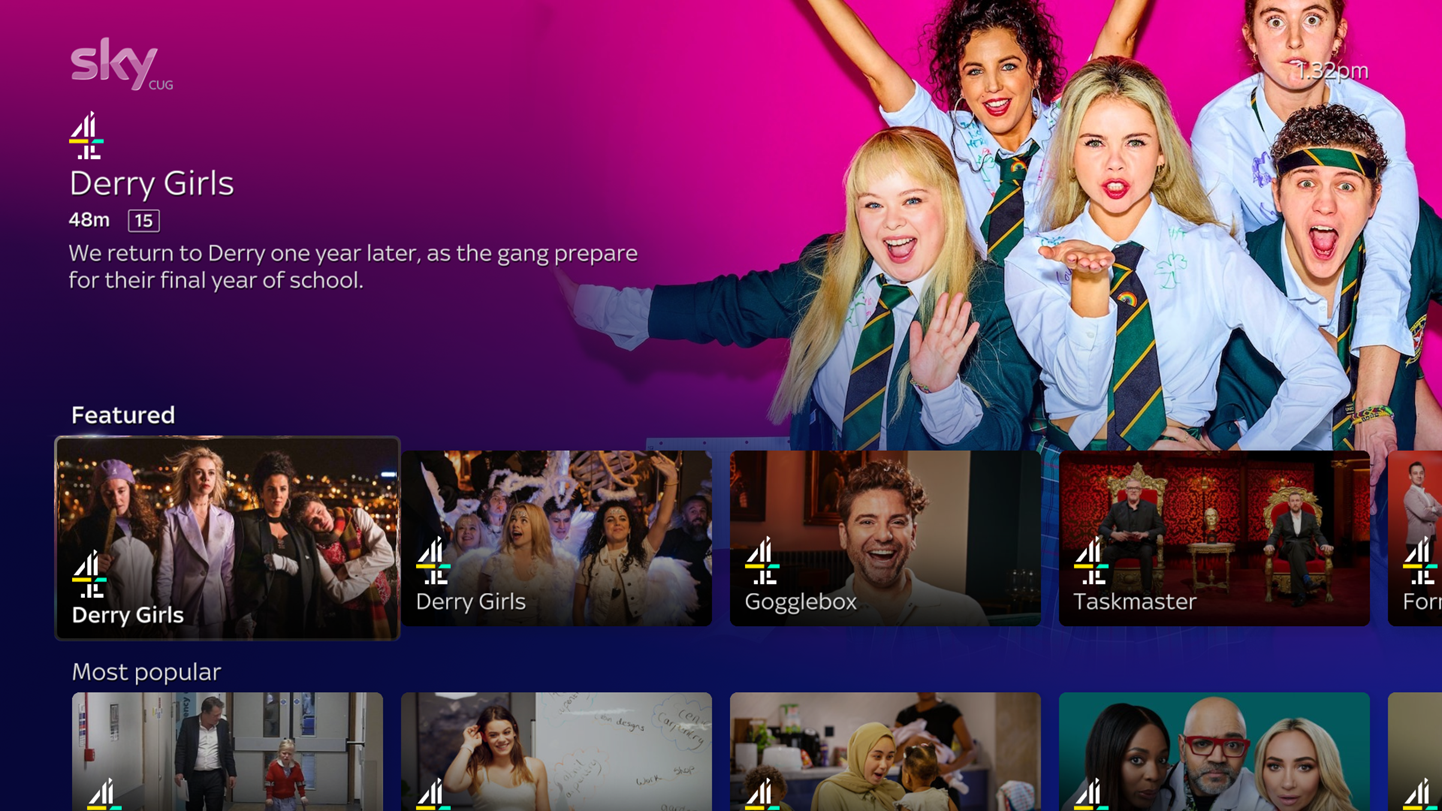
Featured rail
Promotions
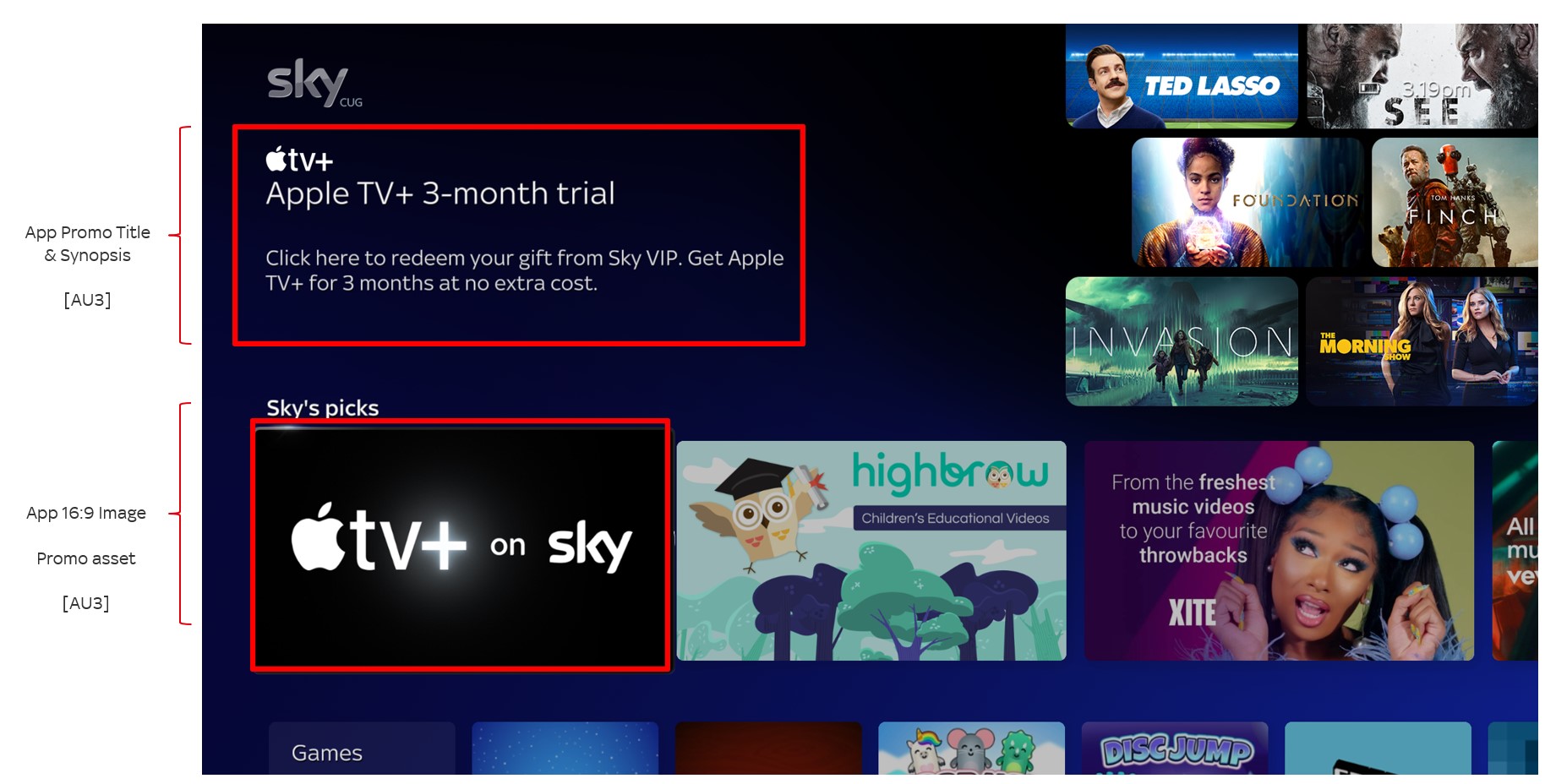
Promo rail
Synopses
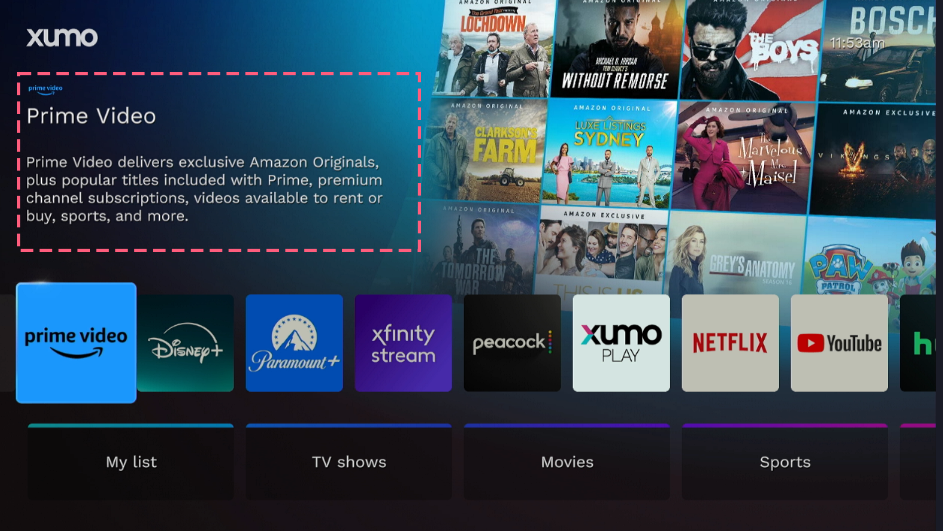
App synopsis
Content synopsis